 PluginStats
Yahooショッピング 注文履歴CSV users statistics
Yahooショッピングの「注文履歴」画面からCSVファイルをダウンロードするためのボタンを追加する拡張機能です
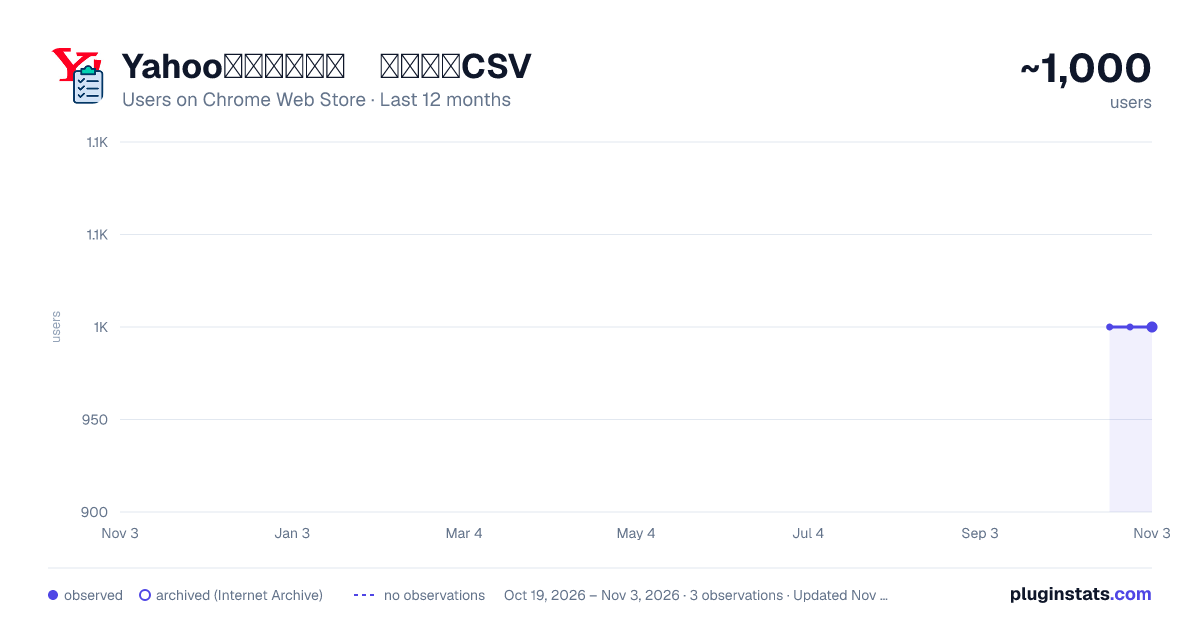
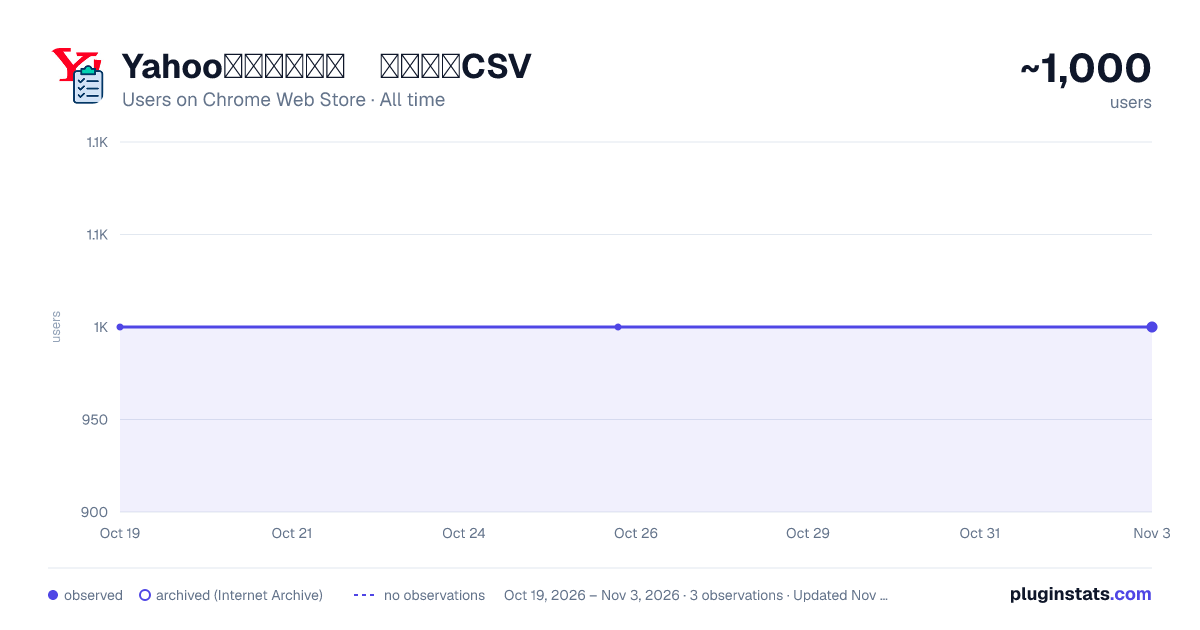
Yahooショッピング 注文履歴CSV has approximately 1,000 recorded users on Chrome Web Store, a change of 0.0% over the past 7 days, ranking #1466 of 4,880 tracked listings.
Rating: 3.80 / 5 from 4 ratings
About Yahooショッピング 注文履歴CSV
Yahooショッピングの「注文履歴」画面からCSVファイルをダウンロードするためのボタンを追加する拡張機能です
Yahoo Japan ショッピングの「注文履歴」は購入後に何を注文したのか確認するのに便利です。
一方、購入商品が多くなってくると、このページでの確認はちょっと手間です。 なぜなら、一覧画面では、注文ごとのすべての商品を表示することなく、また購入商品の数量もわかりません。「注文詳細」画面を開いてやっとすべての購入商品一覧にたどりつくわけです。 これだと注文数が多くなってくるとかなりの手間。
そこで、「Yahooショッピング 注文履歴CSV」拡張機能の出番です。
【できること】
注文履歴の「注文詳細」に表示されるすべての商品項目を含むCSVファイルを生成、ダウンロードできます。
【使い方】
本拡張機能をインストールして「注文履歴」ページ(以下)を表示すると[CSVファイルの取得]ボタンが表示されます。
(https://odhistory.shopping.yahoo.co.jp/order-history/list)
[CSVファイルの取得]ボタンを押すと、ダイアログが表示されます。
「購入品目優先」か、「合計金額(税込)優先」を選択して下さい。 それぞれ、出力されるCSVファイルのフォーマットに以下の違いがあります。
-
「購入品目」優先 購入品目ごとに行を出力します。1行には、購入品目の値段や個数が含まれます。 また、”「送料」を行として出力する”のチェックボックスにチェックをいれると、購入品目の他に、送料の行が出力されます(「送料」が0円でなかった場合)
-
「合計金額(税込)」優先 一つの注文に対して複数の購入品が含まれてても、注文の合計金額(税込)を1行として出力します。 商品名は、注文の1項目目の商品名が出力されます。
(フォーマット選択はversion 0.2から可能になりました)
選択後、「開始」ボタンを押して下さい。
注文一覧の項目数に応じて時間がかかりますが、状況表示(プログレスバー)が表示されて状況がわかります。すべてのデータが処理されると、CSVファイルがダウンロードされます。(ファイルに保存ダイアログボックスが表示されます)。
Description from the Chrome Web Store listing.
README badge
Show your rank in a README or on your website. The badge updates automatically.
Charts
Images: 30d · 1y · all time · 1600×900 dark
Adoption over time
7/30/90-day growth
Ranking history
Ratings over time
Listing placement
Listing placement
Filled points are observed values; hollow points come from Internet Archive snapshots of the listing page. Dashed segments span periods with no observations — values between points are not interpolated.
Each band is one page of 20. Users on a linear scale. Placement is projected from users, so it can differ from the marketplace's own sort order. Hover a dot to see the listing.
Recent observations
Full history (2)Similar Chrome Web Store Shopping plugins
All 20 Yahooショッピング 注文履歴CSV alternatives



Data source
Covers every Chrome Web Store extension with at least 100 users, found through the store's public sitemap. User counts are read from public listing pages. The 10% most-used extensions are refreshed daily, the next 40% weekly and the next 40% monthly; the least-used 10% are not refreshed. Google displays rounded user counts (and caps the display at 10,000,000+), so small changes may not be visible. Rating counts above 1,000 are rounded (e.g. 1.6K).
Listing: https://chromewebstore.google.com/detail/yahooショッピング 注文履歴csv/bgcccfmmbhjpocmbblokeahfoamfnfdh. First seen Oct 19, 2026; last successful collection Oct 26, 2026. See the methodology.